


























Sending money from Kenya to Tanzania has never been easier. Thanks to Safaricom’s M-Pesa International Money Transfer (IMT) East Africa service, you can now send funds directly to a Vodacom Tanzania mobile number in just minutes.
Whether you are supporting family, paying for services, or handling business transactions, M-Pesa makes cross-border transfers fast, secure, and convenient.
This guide walks you through every step of the process, including requirements, methods, charges, and tips to ensure your money reaches the right recipient safely.
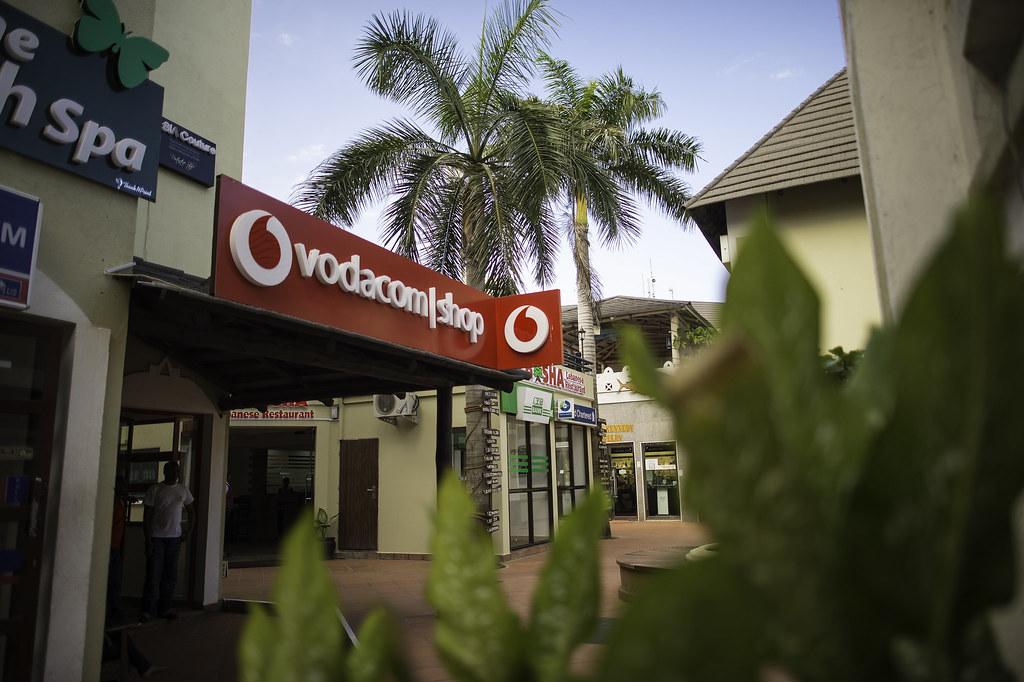
How To Send Money From M-Pesa To Vodacom Tanzania
Before sending money, you must meet some basic requirements. Here’s what you need:
Requirements
- Active M-Pesa account – Ensure your account has sufficient balance.
- Recipient’s Vodacom number – Include the full Tanzanian mobile number (format: 2557XXXXXXXX).
- Recipient’s details – Full name and physical location in Tanzania.
Once you have these ready, you can proceed with one of two easy methods.
Send Using Paybill Number 255255
One of the simplest ways to send money is through the dedicated paybill number. Follow these steps carefully:
- Go to the M-PESA menu on your phone or My M-Pesa App.
- Select Lipa na M-PESA.
- Choose M-Pesa Paybill.
- Enter Business Number 255255.
- Use the recipient’s Vodacom number as the account number in this format: 2557XXXXXXXX.
- Enter the amount you want to send.
- Input your M-PESA PIN and confirm the transaction.
Once completed, a pop-up will show:
| Detail | Information Displayed |
|---|---|
| Amount in TZS | Amount the recipient receives in Tanzanian Shillings |
| Transaction fee in KES | Total charges for the transfer |
| Total deduction | Total money deducted from your M-Pesa account |
You will also receive an SMS confirmation once the transaction is successful. The funds are delivered in Tanzanian Shillings instantly.
Send Using M-Pesa Global On MySafaricom App
For a more convenient digital option, use M-Pesa Global via the MySafaricom App. Here’s how:
- Log into the MySafaricom App.
- Go to the MPESA Tab.
- Select MPESA Global.
- Choose Send to Mobile.
- Select Tanzania as the destination country.
- Enter the recipient’s Vodacom number.
- Provide the recipient’s full details: first, middle, last name, and address.
- Enter the amount to send.
- Select the source of funds (salary, business, or other).
- Specify the purpose of the transaction and click send.
You will receive an M-Pesa confirmation message once the transfer is complete. Keep in mind that exchange rates may fluctuate daily, typically updated at midnight.
Mpesa To Vodacom Tanzania Charges
M-Pesa transfers to Vodacom Tanzania have clear charges depending on the amount sent. The range is usually Kshs 3 to Kshs 220. For larger transactions, check the latest fees in the M-Pesa menu or MySafaricom App before sending.
| Amount Sent (KES) | Transaction Fee (KES) |
|---|---|
| 100 – 500 | 3 – 20 |
| 501 – 5,000 | 25 – 150 |
| 5,001 – 70,000 | 160 – 220 |
This ensures you always know how much you will pay before sending money.
Tips For Smooth Transfers
- Double-check the recipient’s Vodacom number before sending.
- Ensure your M-Pesa account has enough balance to cover the transaction and charges.
- Keep your SMS confirmation for reference in case of issues.
- Stay updated on daily exchange rates for accurate conversion.
Contact Information
If you encounter problems, you can reach out to the respective service providers:
Safaricom Kenya
- Phone: 100 (prepaid), 200 (postpaid), +254 722 002100
- Email: [email protected]
Vodacom Tanzania
- Phone: 100, +255 754 700 000
- WhatsApp: 255 754 100100
- Email: [email protected]
Sending money from M-Pesa to Vodacom Tanzania is simple, secure, and reliable. With Safaricom’s IMT service, your funds reach Tanzanian accounts in minutes, giving you peace of mind whether you are helping family or conducting business across borders.