Step-by-Step Guide on How To Replace A Lost Logbook In Kenya
A logbook is one of the most important documents a car owner can have in Kenya. It proves legal ownership of your vehicle and allows you to use it as collateral for loans or transfer ownership during a sale. Losing it can be stressful and costly, but the good news is that the National Transport and Safety Authority (NT
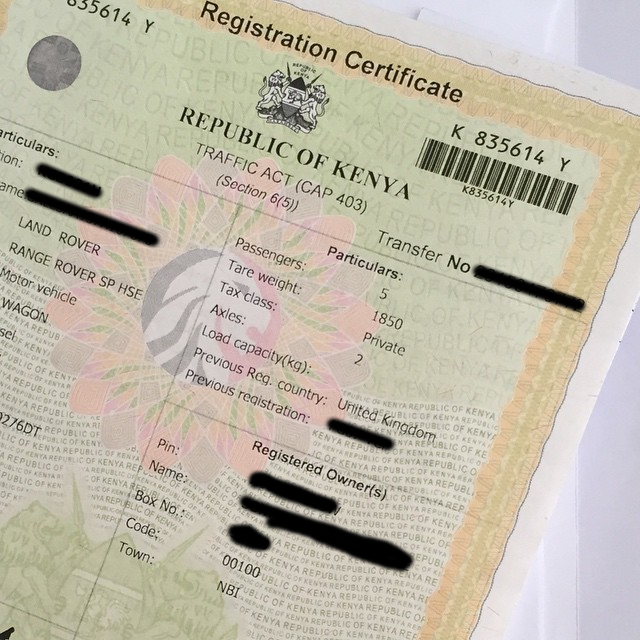
A logbook is one of the most important documents a car owner can have in Kenya. It proves legal ownership of your vehicle and allows you to use it as collateral for loans or transfer ownership during a sale.
Losing it can be stressful and costly, but the good news is that the National Transport and Safety Authority (NTSA) provides a clear way to replace it.
The process is straightforward and can be completed online through the NTSA TIMS self-service portal. This guide explains step-by-step how to replace a lost logbook in Kenya.
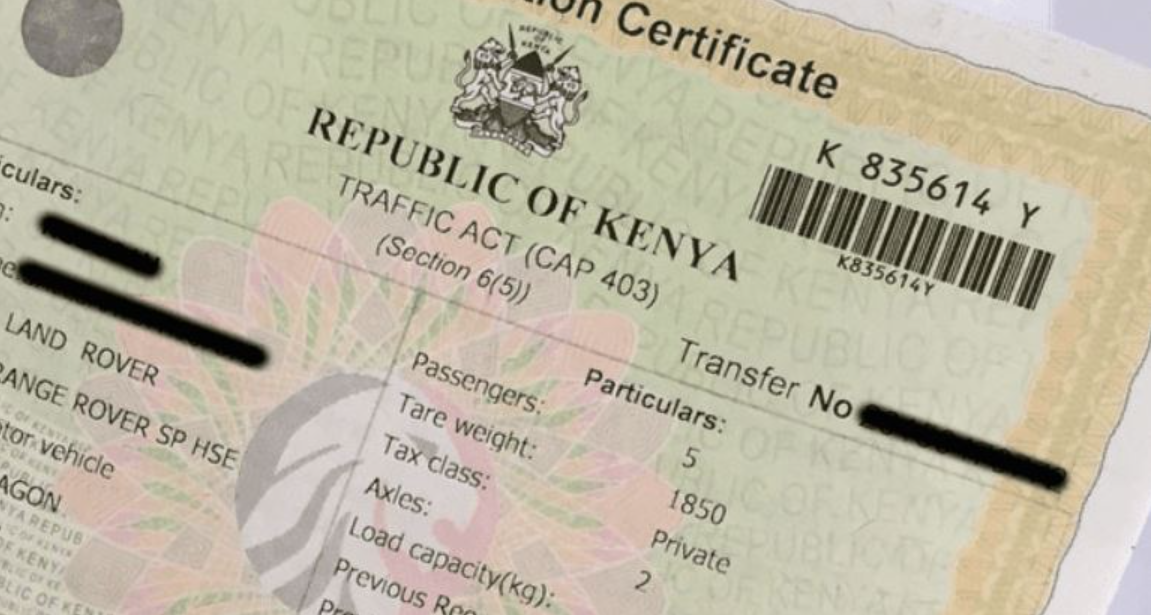 The NTSA usually takes between one to two weeks to process a duplicate logbook. However, the duration may vary depending on the number of applications. You will receive a notification through SMS or email once your logbook is ready. [Photo/Courtesy]
Ensure all documents are scanned and clear before uploading them to the TIMS portal.
The NTSA usually takes between one to two weeks to process a duplicate logbook. However, the duration may vary depending on the number of applications. You will receive a notification through SMS or email once your logbook is ready. [Photo/Courtesy]
Step-by-Step Guide on How To Replace A Lost Logbook In Kenya
Replacing a lost logbook involves both offline and online steps. You must first secure essential documents before applying on the NTSA TIMS portal. Below is a detailed guide to help you through the process.Documents Required to Replace a Lost Logbook
Before starting your application, you must have the following documents:| Document | Purpose |
|---|---|
| Police abstract | Confirms the logbook was reported lost |
| DCI tape lifting report | Verifies engine and chassis numbers |
| Copy of your ID and KRA PIN | Confirms ownership and identity |
| Proof of payment (Ksh 2,500) | NTSA processing fee |
How To Apply for a Duplicate Logbook on TIMS
Once you have the required documents, you can apply online using these steps:- Visit the NTSA TIMS portal via tims.ntsa.go.ke.
- Log in with your username and password.
- Select Apply for duplicate logbook and then click Create new.
- Choose the vehicle whose logbook is lost.
- Fill in the displayed form with accurate details.
- Select your preferred notification method and collection office.
- Upload the police abstract and DCI tape lifting report.
- Make the payment of Ksh 2,500 using Mpesa or other available methods.
- Submit your application after successful payment.