Step by Step Guide on How to Apply for Loan Using HELB App
Getting a student loan in Kenya has never been easier. Thanks to technology, continuing undergraduate and TVET students can now apply for their HELB loans directly from their phones. On July 28, 2025, the Higher Education Loans Board (HELB) released a detailed step-by-step guide showing how students can conveniently ap
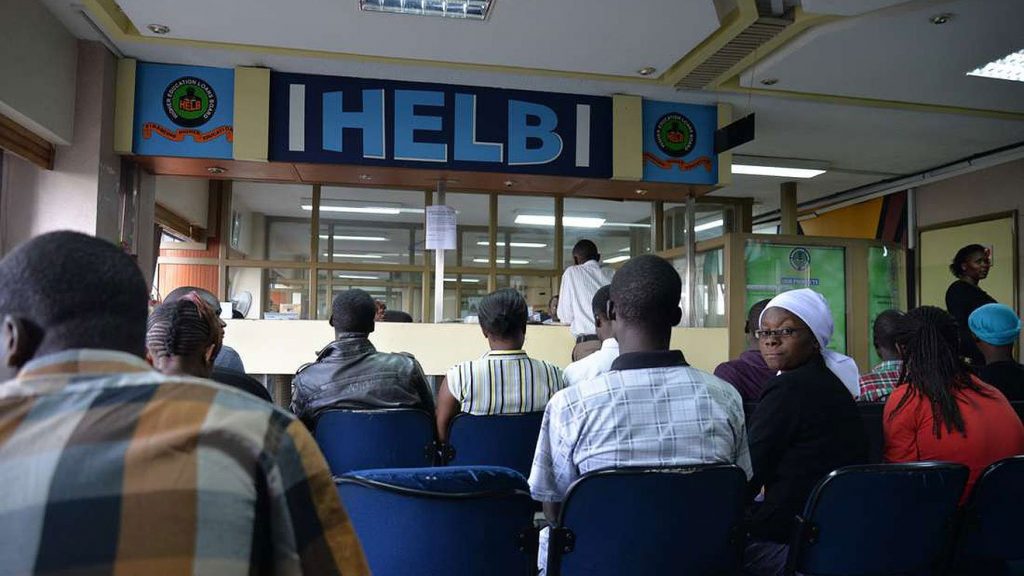
Getting a student loan in Kenya has never been easier. Thanks to technology, continuing undergraduate and TVET students can now apply for their HELB loans directly from their phones.
On July 28, 2025, the Higher Education Loans Board (HELB) released a detailed step-by-step guide showing how students can conveniently apply for financial aid using the HELB mobile app.
This simple guide walks you through every step needed to apply for loan using HELB app and ensures you don't miss out on essential details before the application deadline on August 31.
 Applying for student loans has now been simplified thanks to the HELB app. You no longer have to deal with long queues or paperwork. [Photo: Screengrab]
Applying for student loans has now been simplified thanks to the HELB app. You no longer have to deal with long queues or paperwork. [Photo: Screengrab]
How to Apply for Loan Using HELB App
With just your smartphone and a Safaricom line, you can apply for your HELB subsequent loan in minutes. Follow these steps:Step 1 – Download the HELB App
To begin the process:- Visit the Google Play Store.
- Search for HELB App.
- Download and install it on your smartphone.
Step 2 – Register with Your Safaricom Line
After installing the app:- Open the app.
- Use your Safaricom number to register.
- You will receive an activation code via SMS.
- Enter the code to proceed.
Step 3 – Create Your 4-Digit PIN
You will be prompted to:- Set up a four-digit personal PIN.
- This PIN will be required every time you log in to the app.
Step 4 – Confirm Personal and School Details
Once inside the app:- Check and confirm your personal information.
- Verify your institutional details such as the name of your college or university.
Step 5 – Navigate to the Loan Application Section
To access the loan form:- Click on the “Apply Subsequent Products” tab.
- Then tap on “Get Started.”
Step 6 – Read and Understand the Loan Terms
Before proceeding:- Select the Loan Application option.
- Carefully read through the loan terms and conditions.
Step 7 – Answer the Financial Literacy Question
Next:- You will be presented with a financial literacy question.
- Answer it correctly to move on to the next step.
Step 8 – Select Your Preferred Loan Payment Option
You will now:- Choose your preferred method of loan disbursement.
- Options may include M-Pesa, direct to school, or bank transfer.
Step 9 – Verify and Submit Your Loan Application
Once your details are in:- Click on the “Request Loan” tab.
- Review your loan details carefully.
- Hit the “Submit” button when satisfied.
Step 10 – Receive Your Loan Serial Number
After submission:- HELB will send you a loan serial number.
- This will appear both in the app and via SMS.
Important Notes for Applicants
- Only continuing students should use the HELB app or dial *642#.
- First-time applicants must use the Higher Education Financing portal.
- The deadline for the 2025/2026 loan application is August 31, 2025.
- Always use your own Safaricom line registered in your name.
- Keep your PIN private and avoid sharing it with anyone.