How To Register For M-Pesa Pochi La Biashara Step By Step Guide
If you run a small or informal business in Kenya, you need a simple way to separate business money from personal cash. That is where Pochi La Biashara comes in. Safaricom designed this M-Pesa feature to help traders receive payments safely and track business income without opening a new line. This guide explains how to
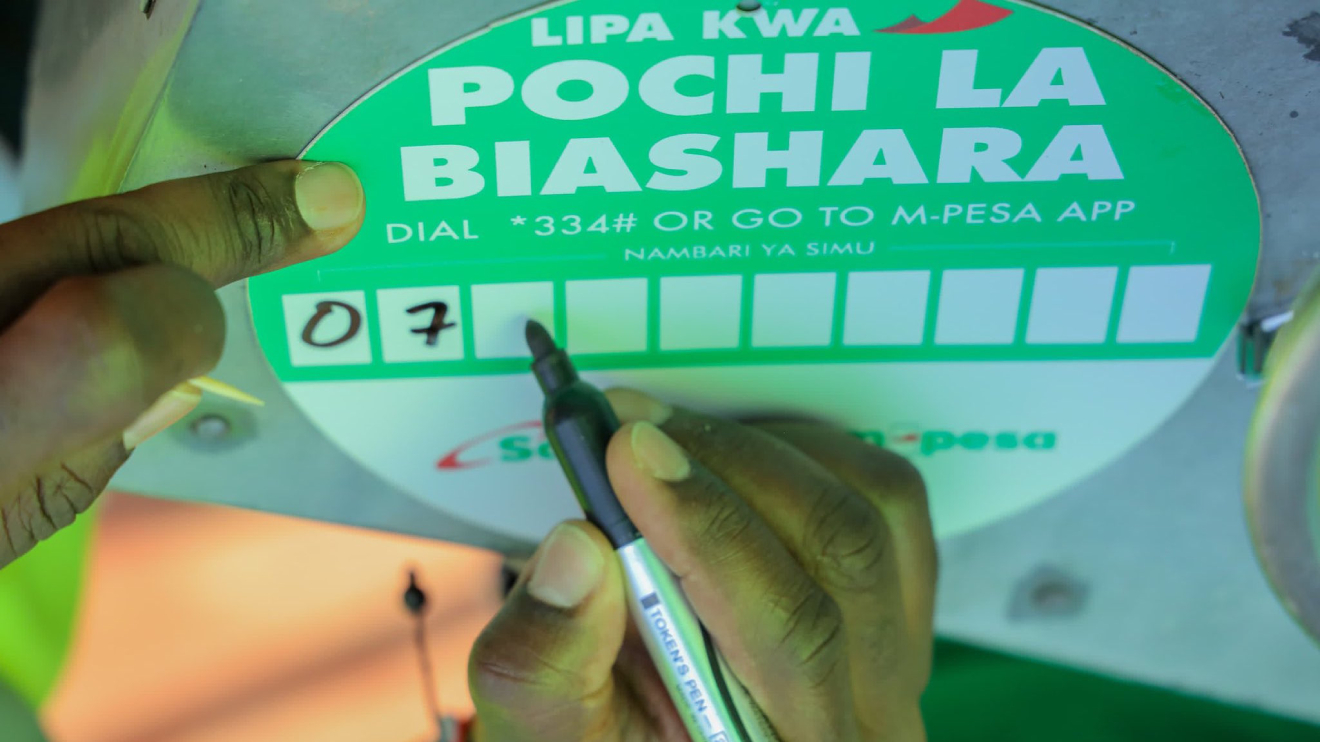
If you run a small or informal business in Kenya, you need a simple way to separate business money from personal cash. That is where Pochi La Biashara comes in. Safaricom designed this M-Pesa feature to help traders receive payments safely and track business income without opening a new line.
This guide explains how to register for M-Pesa Pochi La Biashara in clear steps. You will also learn its key features, limits, and how to withdraw your money easily using your existing M-Pesa number.
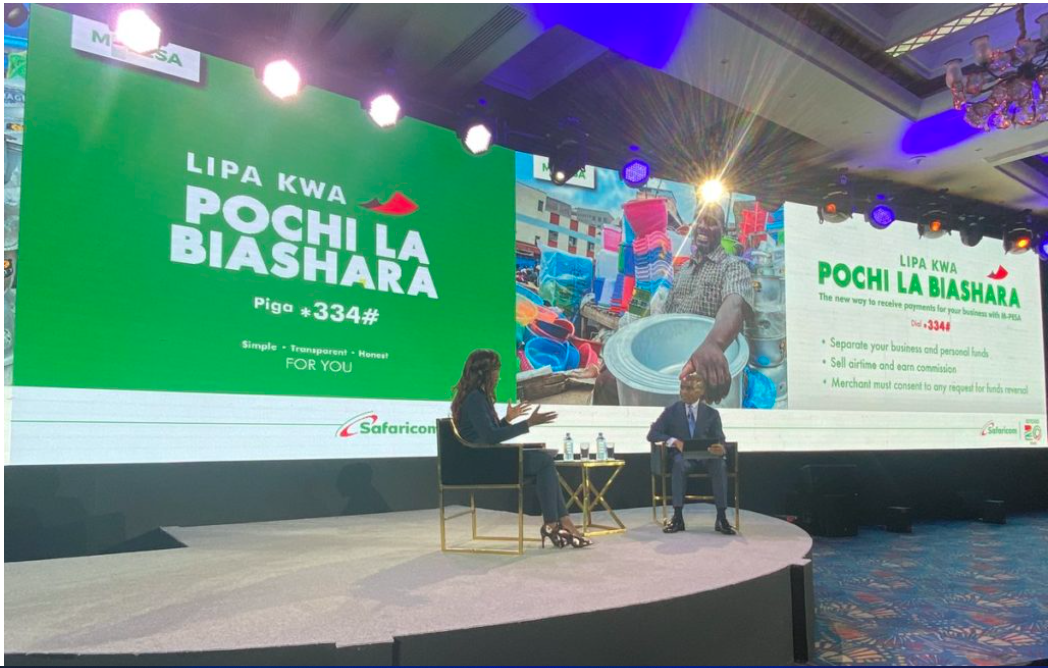 Pochi La Biashara helps small traders manage money better, receive secure payments, and grow confidently using one M-Pesa line without paperwork or extra costs.
Your M-Pesa PIN authorizes all Pochi La Biashara transactions. The daily transaction limit stands at KSh 300,000 under the combined M-Pesa umbrella limit. Customers pay normal send-money charges, but you receive payments free of charge.
Pochi La Biashara helps small traders manage money better, receive secure payments, and grow confidently using one M-Pesa line without paperwork or extra costs.
How To Register For M-Pesa Pochi La Biashara Using Your Phone
Registering for Pochi La Biashara takes only a few minutes. You do not fill out forms or submit documents. You only need an active M-Pesa line. Follow these steps carefully:- Dial *334# on your M-Pesa line.
- Select Pochi La Biashara from the menu.
- Choose Join.
- Accept the terms and conditions.
- Select your business category.
- Wait for an SMS confirmation showing you have joined successfully.
Key Features And Benefits Of Pochi La Biashara
Pochi La Biashara gives small traders powerful tools without extra costs or paperwork.| Feature | What It Means For Your Business |
|---|---|
| No paperwork | You register fully via USSD |
| Separate wallets | Business and personal funds stay apart |
| Owner-controlled reversals | No reversal happens without your consent |
| Cashless payments | Customers pay safely using M-Pesa |
| Airtime sales | Earn 5% commission on airtime sold |
| Mini statements | Track transactions easily |
| Fuliza protection | Funds do not get deducted by Fuliza |
How To Access And Withdraw Funds From Pochi La Biashara
After receiving payments, you can access your money in two simple ways. Both options use the *334# menu. Option 1 Withdraw From An M-Pesa Agent- Dial *334#.
- Select Pochi La Biashara.
- Choose Withdraw Funds.
- Select From Agent.
- Enter the agent number and amount.
- Enter your M-Pesa PIN to complete.
- Dial *334#.
- Select Pochi La Biashara.
- Choose Withdraw Funds.
- Select From Business to Personal Account.
- Enter the amount and confirm with your PIN.