





























If you need quick cash in Kenya, you should learn how to borrow a KCB mobile loan the right way. KCB Bank Kenya offers one of the fastest mobile loans in the market. You can access between Kshs 1,001 and Kshs 300,000 instantly through your phone. You do not need paperwork or long queues. You only need an active KCB account and KCB mobile banking. The process is simple, secure, and takes only a few minutes when you follow the correct steps.
How To Borrow A KCB Mobile Loan Step by Step
Before you apply, ensure you meet the basic requirements. KCB reviews your account activity before approving your loan.
KCB Mobile Loan Requirements
You must meet the following conditions before you apply
- You must have an active KCB account
- You must register for KCB mobile banking
- Your account must be active for at least six months
- You must make at least four deposits within that period
- You must operate your account regularly and avoid overdrawing
A bank representative may call you to verify details under the KYC process. The bank will never ask for your PIN or password, so protect your information at all times.
KCB Mobile Loan Interest Rate and Key Features
| Feature | Details |
|---|---|
| Loan Amount | Kshs 1,001 to Kshs 300,000 |
| Loan Term | 1 month |
| Interest Rate | 7.13 percent |
| Processing Time | Instant |
| Rewards | Earn Simba Points on every loan |
KCB offers this loan for one month at an interest rate of 7.13 percent. Every time you borrow and repay, you earn Simba Points, which you can redeem for rewards.
How To Borrow A KCB Mobile Loan Using USSD or KCB App
You can apply through USSD or the KCB App. Choose the method that suits you.
Using USSD
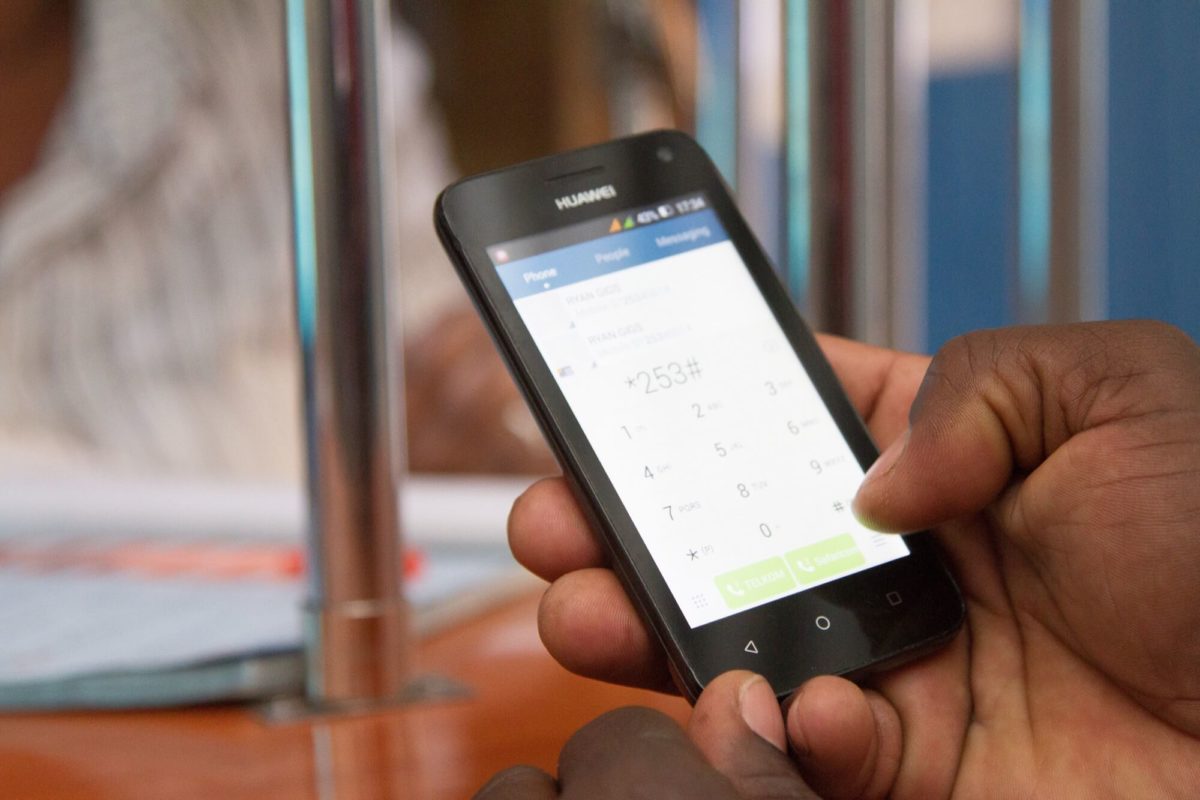
- Dial *522# on your phone
- Select Loans and Savings
- Select KCB Mobile Loans
- Choose Loan Request
- Select one month
- Enter the amount within your loan limit
- Choose the KCB account for deposit
- Enter your mobile banking PIN
- Confirm and submit
The system will deposit the money instantly into your account after approval.
Using the KCB App
- Open the KCB App
- Select Loans
- Tap KCB Mobile Loan and choose Borrow
- Select the KCB account for deposit
- Choose one month
- Enter the amount within your limit
- Enter your PIN and submit
The app processes your request immediately and credits your account.
If you follow these steps carefully, you will understand exactly how to borrow a KCB mobile loan without delays. Borrow responsibly, repay on time, and grow your loan limit while earning Simba Points.