How to Pay Your Tala Loan Via M-Pesa in Kenya — Quick and Easy Steps
tala
Repaying your Tala loan in Kenya takes less than two minutes using M-Pesa. Tala, formerly known as Mkopo Rahisi, has grown into one of Kenya's most popular mobile lending apps, with over five million installs on Google Play Store. The platform lends up to Ksh 50,000 within five minutes at a 15% interest rate and a 30-day repayment period. This guide walks you through every step you need to follow to pay your Tala loan via M-Pesa quickly and without any confusion. Tala makes borrowing simple and repayment even simpler. Stay consistent with your loan repayments, build a stronger credit profile, and unlock higher loan limits with every successful repayment.
What You Need Before You Pay
Before you begin the repayment process, make sure you have two key details ready:
Tala's Paybill number — 851900
Your account number — the phone number you registered with on Tala
With these two details at hand, you can complete your repayment in under two minutes directly from your M-Pesa menu.
How to Pay Your Tala Loan Via M-Pesa
Follow these straightforward steps to repay your Tala loan using M-Pesa:
Wait for a confirmation message from M-Pesa confirming your transaction
Once you receive the confirmation SMS, your payment has gone through successfully. Always double-check that you are sending your payment to Tala Mobile before confirming the transaction to avoid sending money to the wrong account.
Paying your Tala loan via M-Pesa is fast, secure, and straightforward. Stay on top of your repayments to maintain a good credit score on the platform and qualify for higher loan limits in the future.
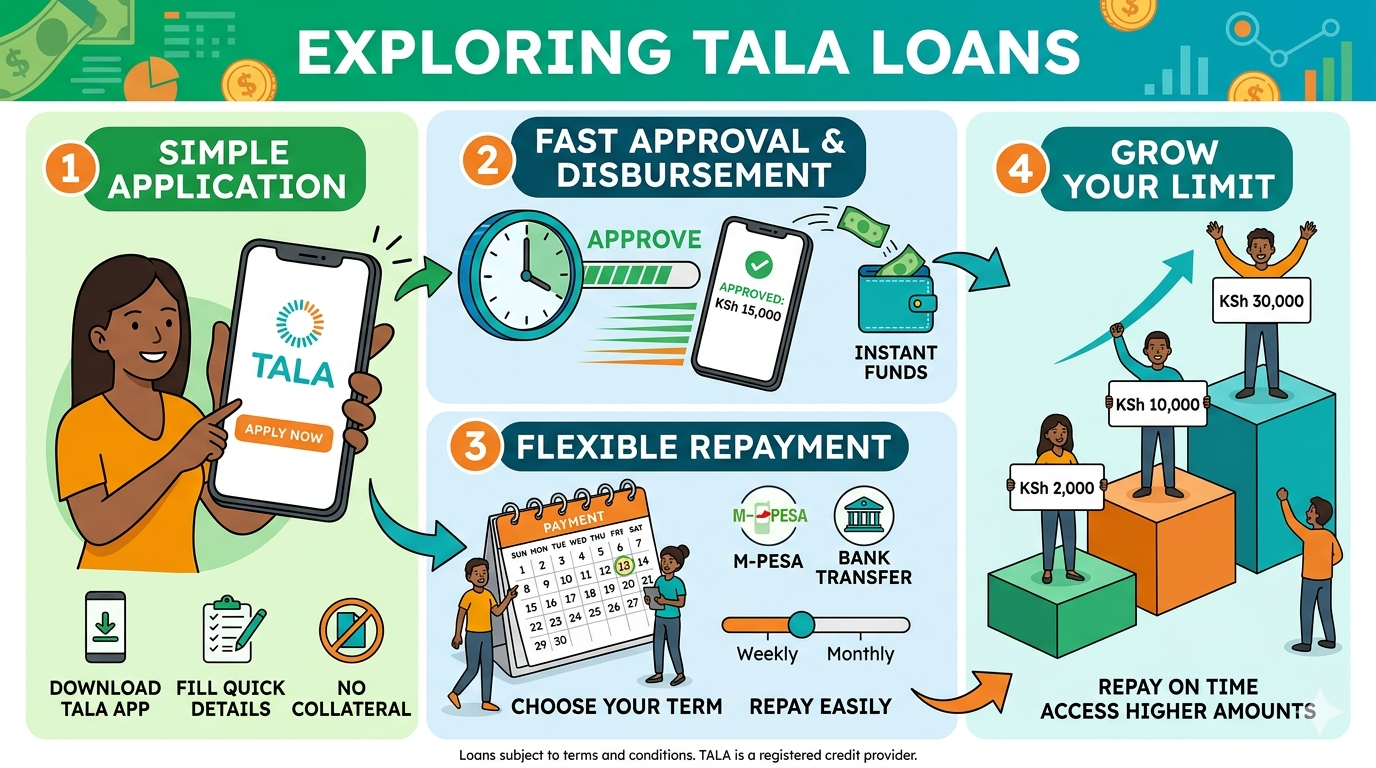 Tala makes borrowing simple and repayment even simpler. Stay consistent with your loan repayments, build a stronger credit profile, and unlock higher loan limits with every successful repayment.
Reading is free. Sign in to comment.