How To Pay Your Nairobi Water Bill Via M-Pesa in Minutes
46db1038-849e-4ac5-8480-d84d58c77204
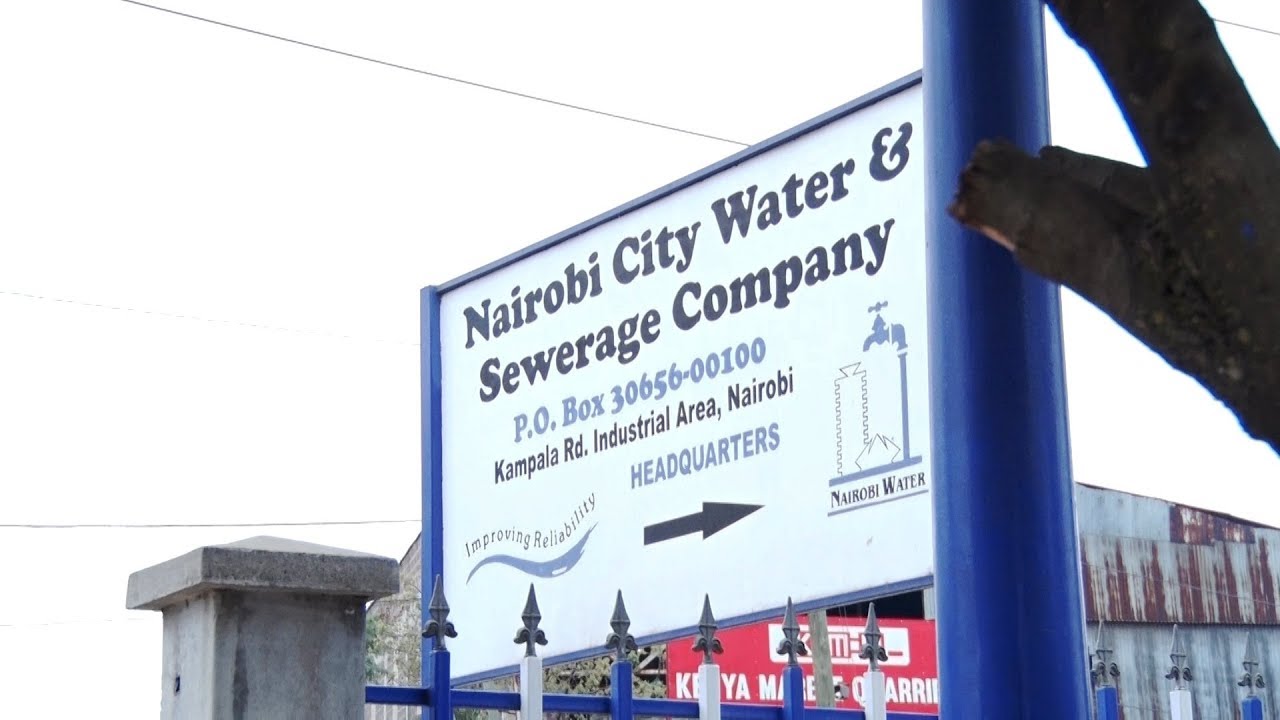
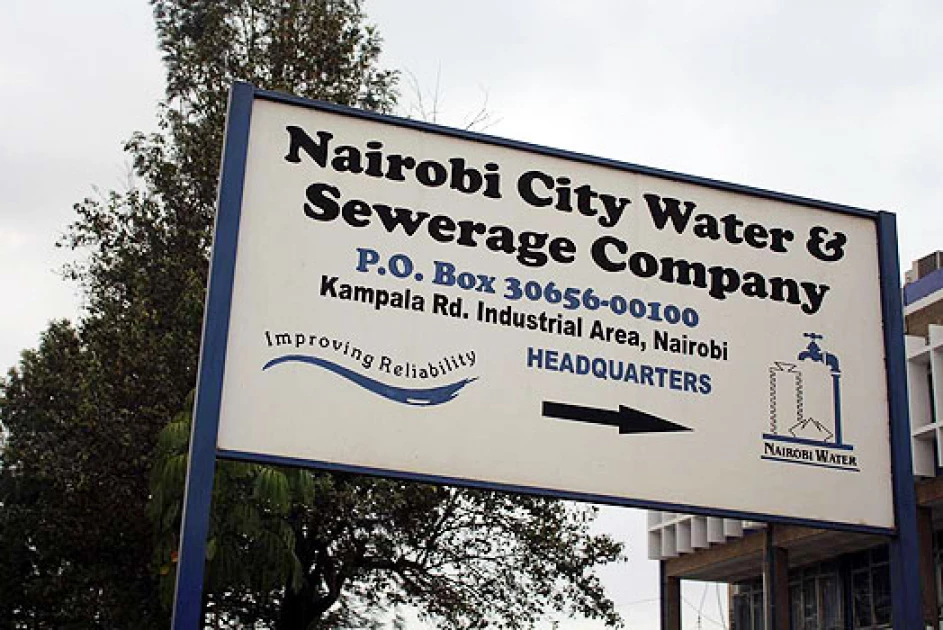
Paying your Nairobi water bill no longer requires a trip to any office or standing in a long queue. Nairobi City Water and Sewerage Company — a Nairobi City County subsidiary incorporated in December 2003 — allows residents to pay water bills directly through M-Pesa. Whether you use the direct Paybill method or go through Jambopay, the process is fast, simple, and accessible from your phone. This guide walks you through both payment options step by step so you never miss a payment again. Nairobi City Water and Sewerage Company lets residents pay water bills via M-Pesa using Paybill 444400 or Jambopay 530100 — a fast, simple process completed from your phone in minutes. [Photo: Courtesy]
Two Ways To Pay Your Nairobi Water Bill Via M-Pesa
Before you pay, make sure you have two things ready: your water account number and your M-Pesa PIN. Both methods below use M-Pesa's Lipa na M-Pesa Paybill feature, so the starting steps are the same for either option.
Method 1: Pay Directly Using Nairobi Water Paybill Number 444400
This is the most straightforward way to pay your water bill. Nairobi City Water and Sewerage Company's official Paybill number is 444400, and you pay directly into their system.
Follow these steps:
Step
Action
1
Open your M-Pesa menu on your phone
2
Select Lipa na M-Pesa
3
Select Pay Bill
4
Enter 444400 as the business number
5
Enter your water account number
6
Enter the amount you want to pay
7
Enter your M-Pesa PIN and press OK
8
Wait for a confirmation SMS from M-Pesa
Once you complete the transaction, M-Pesa sends you a confirmation message immediately. However, your payment takes 24 to 48 hours to reflect in Nairobi Water's system. Do not panic if your account does not update right away—this delay is normal.
Keep your M-Pesa confirmation message safe until the payment reflects on your account. You will need it as proof of payment if any dispute arises.
Method 2: Pay Through Jambopay Using Paybill Number 530100
Jambopay is a third-party payment platform that also lets you pay your Nairobi water bill through M-Pesa. This method works the same way as the direct PayBill option but requires one small difference when entering your account number.
Follow these steps:
Step
Action
1
Open your M-Pesa menu on your phone
2
Select Lipa na M-Pesa
3
Select Pay Bill
4
Enter 530100 as the business number
5
Enter NWC followed by your water account number (e.g., NWC123456)
6
Enter the amount you want to pay
7
Enter your M-Pesa PIN and press OK
8
Wait for a confirmation SMS from M-Pesa
The critical difference here is the account number format. You must add NWC before your account number when using Jambopay, or your payment may not link to the correct account. Double-check this before you confirm the transaction.
Both methods are safe and officially recognized, so you can choose whichever one works best for you.
What To Do If You Have a Problem With Your Payment
Sometimes payments delay beyond the 48-hour window, or you may enter incorrect details by mistake. In either case, contact the relevant customer support team immediately with your M-Pesa transaction code.
Nairobi City Water and Sewerage Company contacts:
0724 253 582
0702 206 418
0702 206 328
0702 206 459
0702 205 964
0800 720 018 (toll-free)
Jambopay contacts:
+254 709 920 000
+254 20 204 8217
+254 710 824 314
You can also visit Nairobi Water's main offices along Kampala Road, off Enterprise Road in Industrial Area, Nairobi, if you need in-person assistance.
Paying your Nairobi water bill via M-Pesa takes less than two minutes. Use Paybill 444400 for a direct payment or Paybill 530100 via Jambopay—and remember to add NWC before your account number when using Jambopay. Save your confirmation SMS every time, and contact customer support if your payment does not reflect within 48 hours.
 Nairobi City Water and Sewerage Company lets residents pay water bills via M-Pesa using Paybill 444400 or Jambopay 530100 — a fast, simple process completed from your phone in minutes. [Photo: Courtesy]
Reading is free. Sign in to comment.