PesaZone is one of Kenya's most trusted mobile lending apps, and it lets you borrow money instantly without paperwork or guarantors. Whether you need emergency cash or a quick financial boost, this app puts funds in your M-Pesa wallet within minutes.
In this guide, you will learn exactly how to apply for and repay a PesaZone mobile app loan via M-Pesa — from downloading the app to clearing your balance on time.
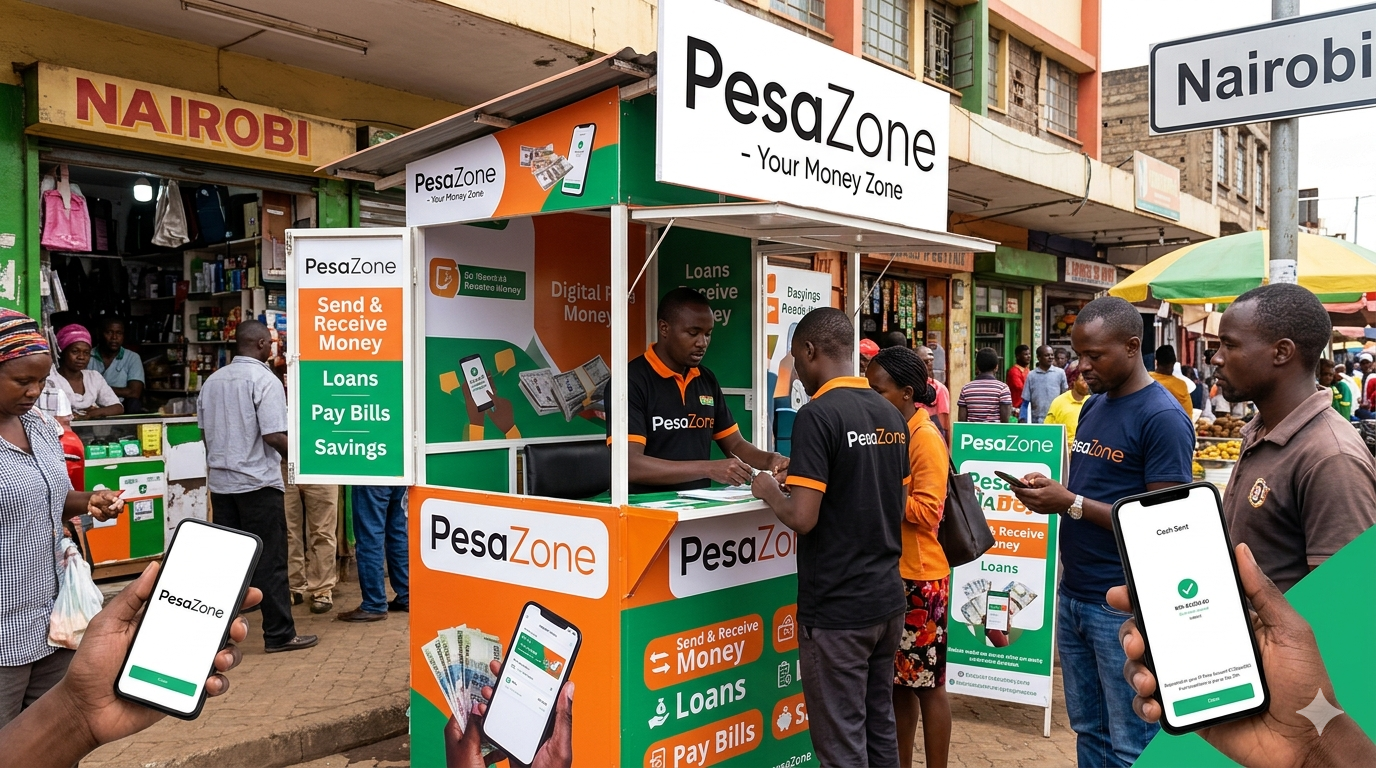 Applying and repaying a PesaZone mobile app loan via M-Pesa is a quick and straightforward process. The app works entirely on your phone, sends money directly to M-Pesa, and requires no paperwork at all.
Everything You Need To Know To Apply and Repay PesaZone Mobile App Loan Via M-Pesa
PesaZone is a Kenyan mobile loan app by PesaPro Limited that lets you borrow Ksh 200–25,000 instantly via M-Pesa. Download the app, register, pay a Ksh 1 activation fee, and repay through M-Pesa Paybill number 754285 using your registered phone number as the account.What Is PesaZone and How Does It Work?
PesaZone is a mobile loan application operated by PesaPro Limited. The company has provided small, unsecured digital loans to Kenyans since 2015. Today, the app boasts over 100,000 downloads on Google Play, making it one of the most widely used mobile lenders in the country.
With PesaZone, you can borrow between Ksh 200 and Ksh 25,000 depending on your credit limit. The lender sends your approved loan amount directly to your M-Pesa, so you receive the funds almost instantly after approval. You do not need to visit any office, provide a guarantor, or offer any form of security.
Before you apply, make sure you have the following ready:
| Requirement | Details |
|---|---|
| Smartphone | Android device with Google Play access |
| National ID | Valid Kenyan National ID |
| Safaricom Line | Active M-Pesa registered number |
| M-Pesa History | At least 60 days of M-Pesa transaction records |
| Personal Details | Full name and date of birth |
How To Apply for a PesaZone Loan Step by Step
Follow these steps to apply and repay your PesaZone mobile app loan via M-Pesa without any trouble.
Step 1—Download the PesaZone App
Open Google Play on your Android phone and search for "PesaZone." Download and install the app from the official listing by PesaPro Limited.
Step 2 — Register Your Account
Once you open the app, it will ask you to enter your registration details. Provide the following information accurately:
- National ID number
- Safaricom phone number (M-Pesa registered)
- Full name as it appears on your ID
- Date of birth
- A 4-digit PIN of your choice
The app will also request permission to access your phone data, including your SMS history. This helps PesaZone evaluate your M-Pesa transaction history and assign you a credit score.
Step 3 — Pay the One-Time Activation Fee
After PesaZone reviews your details and determines that you qualify, the app will ask you to pay a one-time, non-refundable activation fee of Ksh 1 via M-Pesa. This unlocks your loan limit and activates your account fully.
Step 4 — Check Your Loan Limit and Request a Loan
Once activated, the app displays your available loan limit. Use the slider inside the app to choose how much you want to borrow. Then select your preferred repayment period — for example, 2 weeks.
The app will show you a full breakdown of your loan terms, including:
| Loan Detail | Description |
|---|---|
| Loan Amount | Amount you selected using the slider |
| Repayment Period | Duration chosen (e.g., 2 weeks) |
| Weekly Interest Rate | Applicable interest charged weekly |
| Weekly Repayment Amount | Amount due each week |
Review the terms carefully before you confirm your request. Once you submit, PesaZone processes your application and sends the approved amount directly to your M-Pesa.
Pro Tip — How To Increase Your Chances of Qualifying Do not delete your M-Pesa SMS messages. PesaZone uses your M-Pesa transaction history from the last 60 days to build your credit profile. A clean and consistent transaction history significantly improves your chances of qualifying for a loan, especially on your first application.
How To Repay Your PesaZone Loan Via M-Pesa
Repaying your PesaZone loan on time is just as important as applying for it. Late repayments attract penalties, lead to CRB blacklisting, and may trigger recovery action by PesaZone. On-time payments, however, increase your borrowing limit over time.
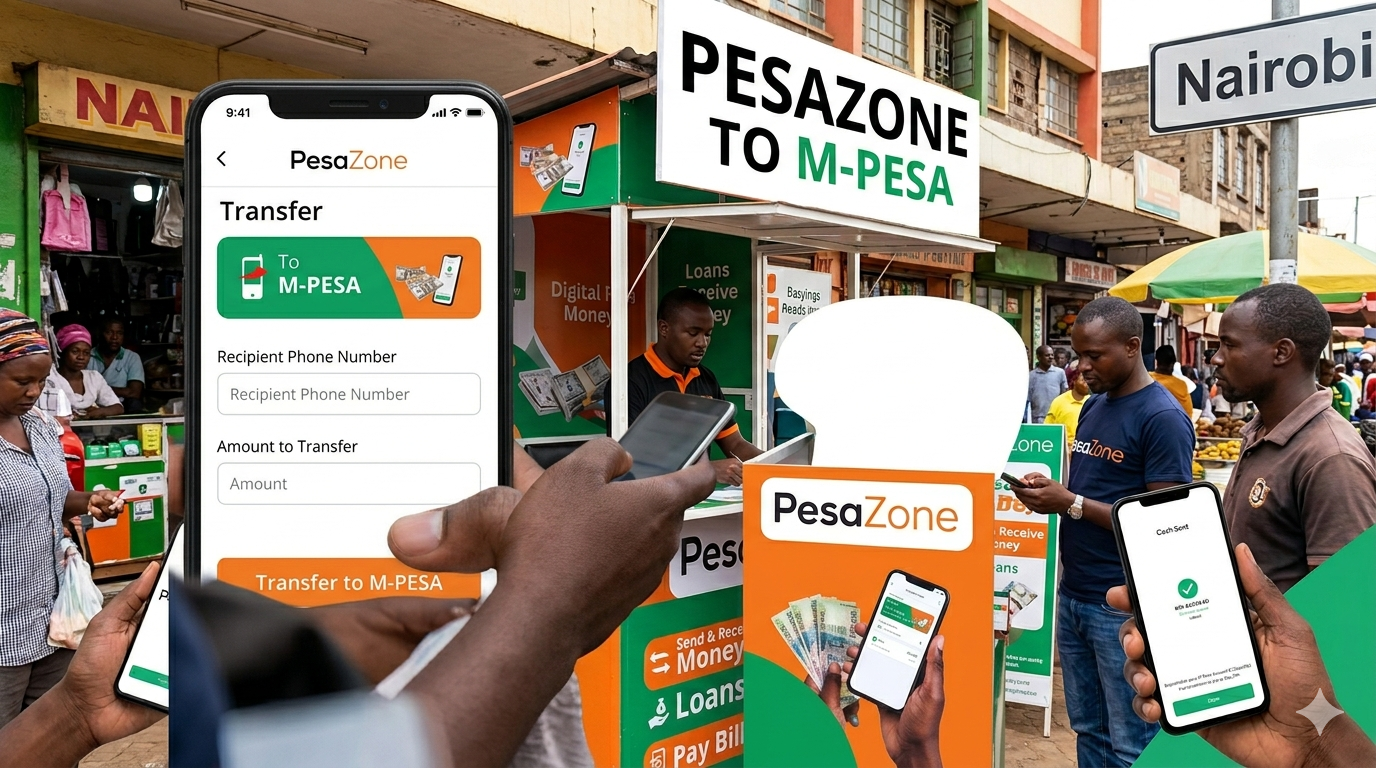 Keep your M-Pesa history clean and pay your loans on time, and your borrowing limit will grow steadily. If you need emergency cash fast, PesaZone remains one of the most accessible lending options available to Kenyans today.
Follow these steps to repay your PesaZone loan via M-Pesa Paybill:
- Open your M-Pesa menu on your Safaricom line
- Select Lipa na M-Pesa
- Choose Pay Bill
- Enter 754285 as the business number
- Enter the phone number you registered with PesaZone as the account number
- Enter the amount you wish to pay
- Enter your M-Pesa PIN and press OK
- You will receive a confirmation SMS from M-Pesa once the transaction goes through
Always repay in line with the instalments shown in your loan terms. Partial payments are accepted, but you must clear the full balance by the due date to avoid penalties.
Repayment Summary
| Step | Action |
|---|---|
| 1 | Go to M-Pesa menu |
| 2 | Select Lipa na M-Pesa → Pay Bill |
| 3 | Business No. — 754285 |
| 4 | Account No. — Your registered phone number |
| 5 | Enter amount → PIN → OK |
| 6 | Wait for M-Pesa confirmation SMS |
Reading is free. Sign in to comment.